Pixels To-Go
Dec 19, 2025Crispnes didn’t start out with a grand vision. It was initially a side project to generate the character data the NES uses for background and sprite tiles. Seeing polished modern NES projects from folks like Morphcat Games inspired me to return to game development as a hobby, and Crispnes was initially a means to tinker with NES games on my Mac, where niche tools are much harder to come by.
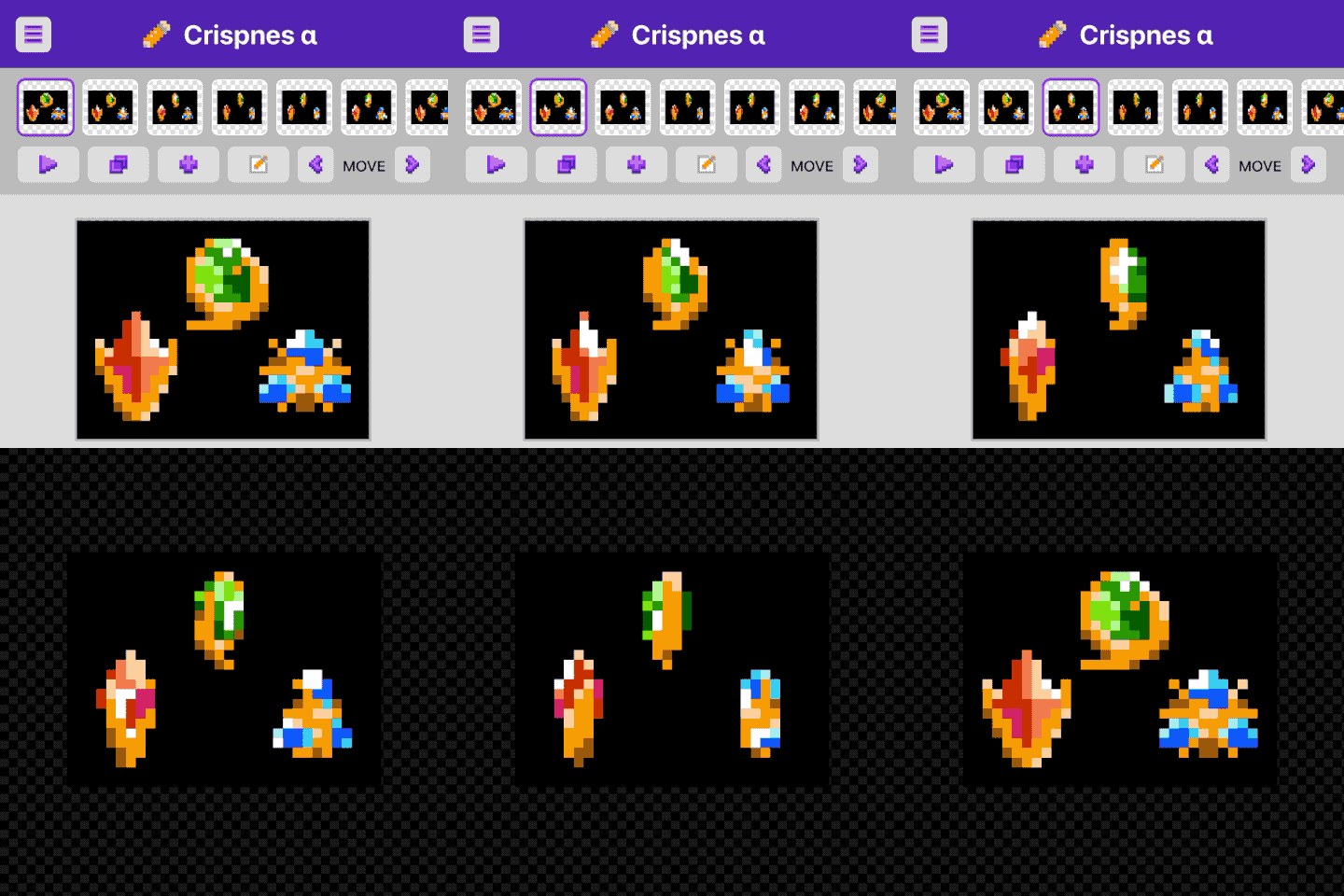
As my focus shifted to working on Churro: Defender of Darnwood, my traditional graphics editing tools were making work on game assets feel cumbersome. I realized some of the experiments I’d tried in Crispnes would be helpful here, and without intending it to, it had become fun to be able to use from a mobile browser. This prompted me to pivot to a more generic pixel animation tool.
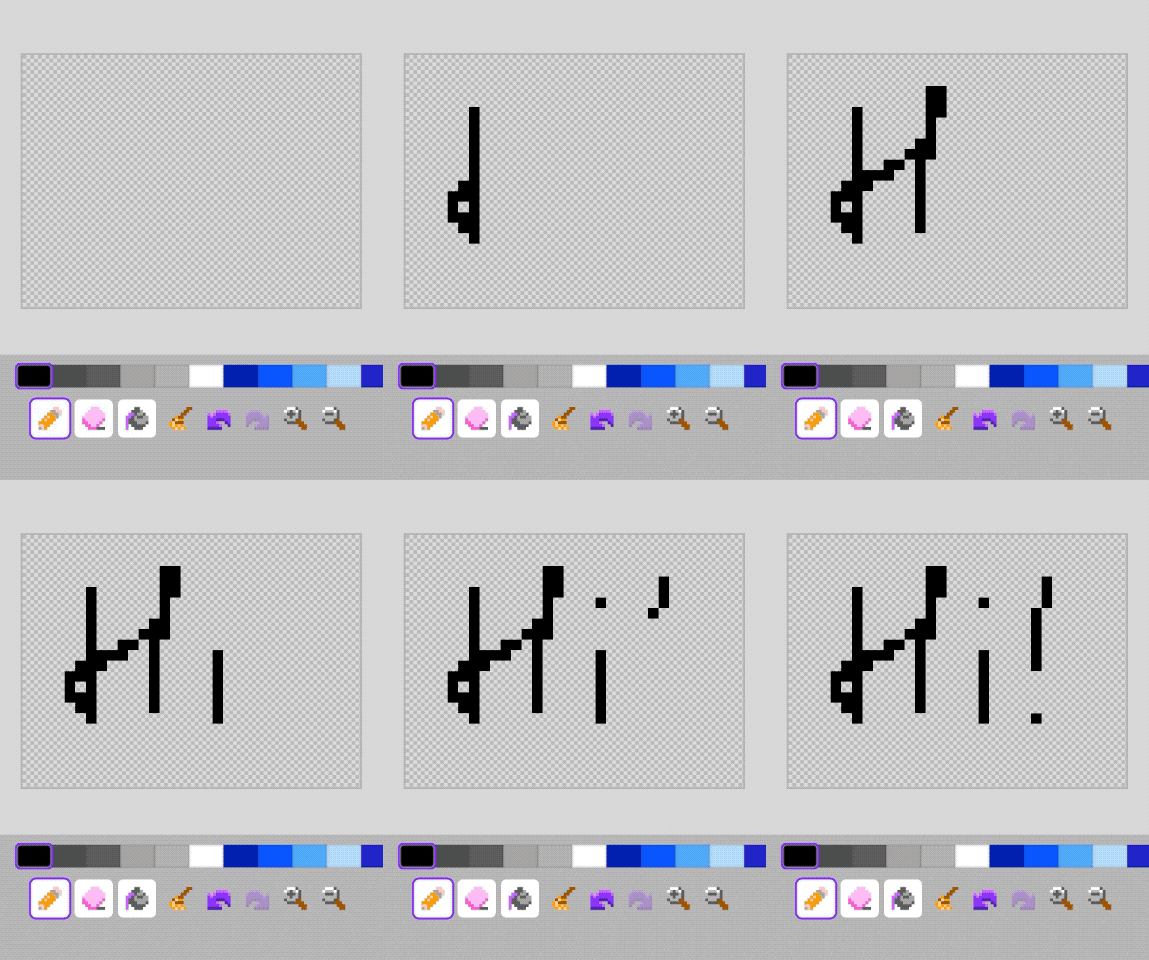
Pixel art often comes down to toggling between two options, one pixel at a time. In many tools, that means thrashing between the pencil and eraser. Even with hotkeys, there’s still a cost. My first UI experiment in Crispnes was having the draw tool toggle pixels to the background color when you tap something that’s already the selected color. It’s a small change, but it made iteration less clunky. On a phone, where sessions might last only a few minutes, reducing that kind of friction adds up.
The new trajectory for Crispnes has been to optimize the pixel editing I’m doing for my game, and capitalize on spare moments by enabling productive work I can do on my phone. It has helped me recreate the fun I had discovering pixel editing in Kid Pix as a child, mouse-clicking custom stamps one tiny square at a time. In pixel art, mistakes don’t feel like a failure, but a valid part of an iterative process. That lessened the struggle I often felt as a kid making art in more traditional mediums like drawing or painting.
Even in its prerelease state, Crispnes has become the tool I’m using to design and animate my characters and tilesets. My game’s constraints are tight. Sprite dimensions are typically between 8 and 16 pixels, and animations have just a handful of frames. Crispnes makes it easy to sketch, iterate, and tweak my creations at this scale. Having my assets always available means I can easily return to make adjustments when a new idea strikes to improve on something.
I’m not sure where the long-term future will take Crispnes. I’m trying to keep my focus mostly on Churro, as distraction is a persistent problem in indie game development. But low‑fidelity artwork feels like something I can manage by myself, even without formal art training, so I expect this project to stay relevant to whatever projects would come next. If I ever dive into a 3D project, it would likely have low-fidelity models that would work well with Crispnes‑style texture work. For now, Crispnes has let me rediscover the joy of pixel art, and reclaim some of life’s random moments to make something fun.

Crispnes is designed to work best as a web app saved to your home screen, although it should support the same capabilities in any modern browser. Your work is saved automatically in your browser using the IndexedDB API, which has been persistent and reliable in my recent experience. It also caches all the necessary files locally, and should work offline if no network connection is available.
The main limitations are missing implementation and UI for custom palettes, and as I’m using the NES color palette for Churro, those are the only colors available at present. Additionally, there isn’t yet a format to back up your creations beyond the auto-save to your browser, and I can’t make any guarantees that it will never see bugs. So, if you create something you don’t want to lose, be sure to use one of the features to export a frame or animation sprite sheet. I’ve also been using screen recording to capture the animation previews, but would hope to someday have GIF and/or APNG exports.
If you give it a try, be sure to let me know. There is no tracking, so I don’t know anything about usage unless I see it shared publicly or with me directly. For that matter, there are no dependencies or external code beyond what I’ve personally authored (or cobbled together from tutorials, Stack Overflow, etc.), apart from the browser environment itself. There isn’t even a build step, so all the code and files hit the browser as I wrote them. It’s not perfect, but I’ll keep refactoring as things get unwieldy or stumble across better ideas and patterns to make things maintainable for myself.
The repository is public, although there isn’t much there that you can’t already see in your browser’s dev tools. One last thing to note—the interface for animating has very few bells and whistles. The simplicity means my 10, 8, and 5-year-olds have picked it up without much guidance, and they keep showing off wonderful creations of their own. Because it works offline, I’ve saved it to their home screens, and they can use it even though Internet access is restricted on their devices. If it’s not for you, it might prove a creative diversion for someone else you know.
My aspirations for Crispnes are far short of something feature-rich like Aseprite. But if you are a pixel artist of any skill level, you might find it hits a good sweet spot of utility and fun to play with on the go. I’m happy to hear feature requests, though I already have a fair number of things I’d like to address myself when I have time.